orble Request access

The AI tutor that lives in your notch.

Orble sees your screen. Ask out loud and it points at the exact control, walks you through one live step at a time, and draws the why while it talks.

In private testing on macOS. Invitations go out a few at a time.

It points at the exact control

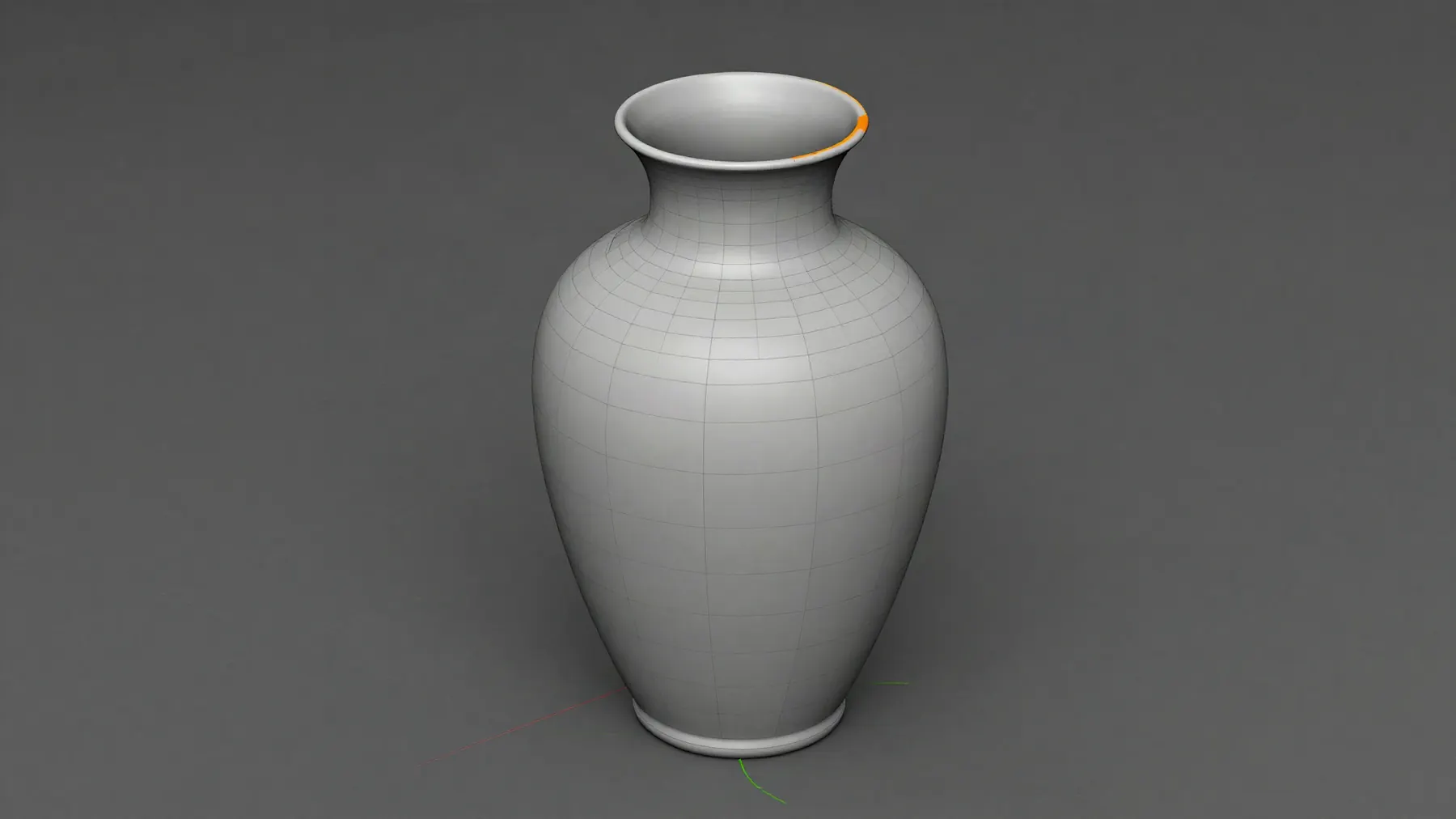
In a 3D app, someone asks out loud how to round off a rim. Orble answers "That's a bevel. It's this tool" and four corner brackets land on the Bevel tool, labelled with what it does. As the pointer arrives the mark steps aside, and the person clicks it themselves.

It points to the point.

A model reading a screenshot lands within about fifteen points. On a toolbar, that is the button next door.

So the model only chooses which control. Its position comes from macOS, which knows every control's frame exactly. The mark you see is the control's own outline.

When an app exposes nothing to macOS, Orble falls back to the model's best box.

Inset
Bevel
Loop Cut

model's guessoff by 15 pt

macOS frame154 × 34 pt

It walks you through, one live step at a time

In a video editor, the goal is said once: fade between two shots. Orble shows one step at a time beside its target: open Effects, drag Cross Dissolve onto the cut, press Space to play it back. A click is drawn as brackets, a drag as an arrow, a shortcut as a key. The person does every step.

wrong clickre-plans from where you are

mouse and keyboardalways yours

No scripted tours.

Every step is planned from your screen as it is right now, toward your goal. Click the wrong thing and the next step starts from where you landed.

And it never takes the mouse. You do every step, so you can do it again tomorrow.

It draws the why

Over a physics problem set, someone circles a question and asks why the slope is zero at the top. A board grows out of the notch: it plots the ball's height over time, marks the flat tangent at the peak, then works the derivative line by line, each line landing on the sentence that explains it. It leaves the last part for the person to try.

It reads your paper, too

Point an iPhone's Desk View, or any spare camera, at the page. Orble finds the line that went wrong and rings it. The correction stays yours to write. A picture of your page leaves your Mac only when you ask about it.

Your screen stays yours.

  • No account. No telemetry. Nothing about you goes to the people who make Orble.
  • Your screen is held in memory for about a minute, a few changed moments for ten, and never written to disk.
  • Capture pauses itself in password managers, banking apps and meetings.

Read exactly what goes where

Listening
Thinking
Speaking
Screen memory
Each question sends the model you chose a screenshot, your words and the context around them.

There's more in there.

Scribe
Hold a key and talk. Your words are typed wherever your cursor is, shaped for the app they land in.
Circle to ask
Hold the right ⌘ key, circle anything on screen, and ask about exactly that.
Drop it on the notch
A PDF, an image, a folder, a link. Orble reads it with your question.
Memory
What you've covered and where you got stuck, in a plain file on your Mac that you can read and edit.
Nine languages
English, Deutsch, Español, Français, Italiano, Português, 日本語, 简体中文 and 한국어.
Your models
Claude or Gemini with your own key, or a local model through Ollama.

Get early access.

Orble is in private testing on macOS. We're inviting people a few at a time. Tell us where to write, and what you'd learn with it.

We keep your email and that answer to write to you about access. Nothing else. Privacy